 EN
EN

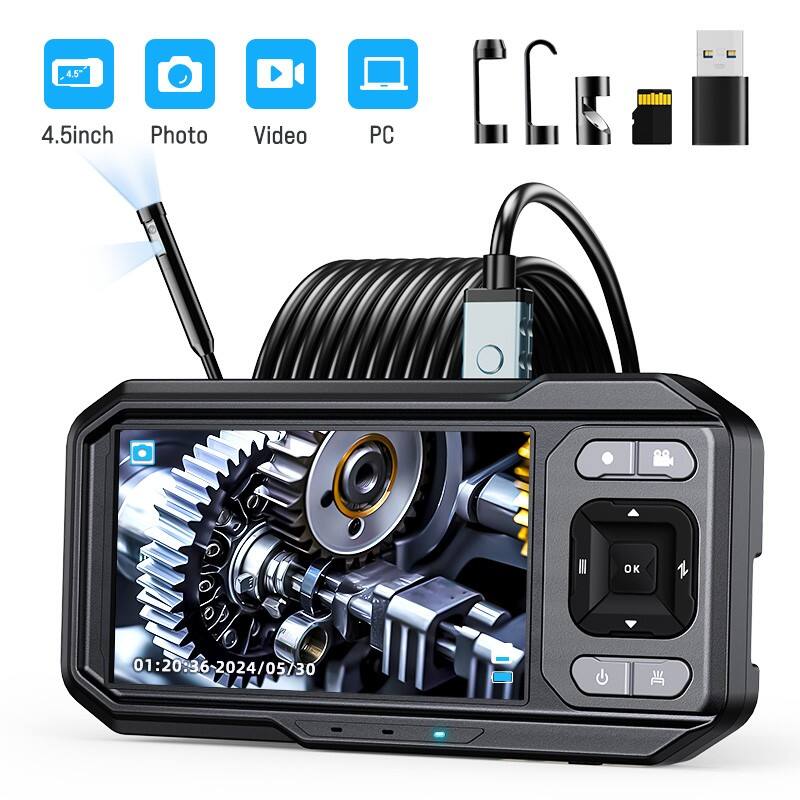
Professional technicians and maintenance specialists rely heavily on visual inspection tools to diagnose problems in hard-to-reach areas. A portable endoscope camera serves as an essential diagnostic instrument that enables users to examine internal components, pipes, engines, and various mechanical systems without disassembly. Proper maintenance of these sophisticated devices ensures optimal performance, extends operational lifespan, and maintains the high-resolution image quality that professionals depend on for accurate assessments.
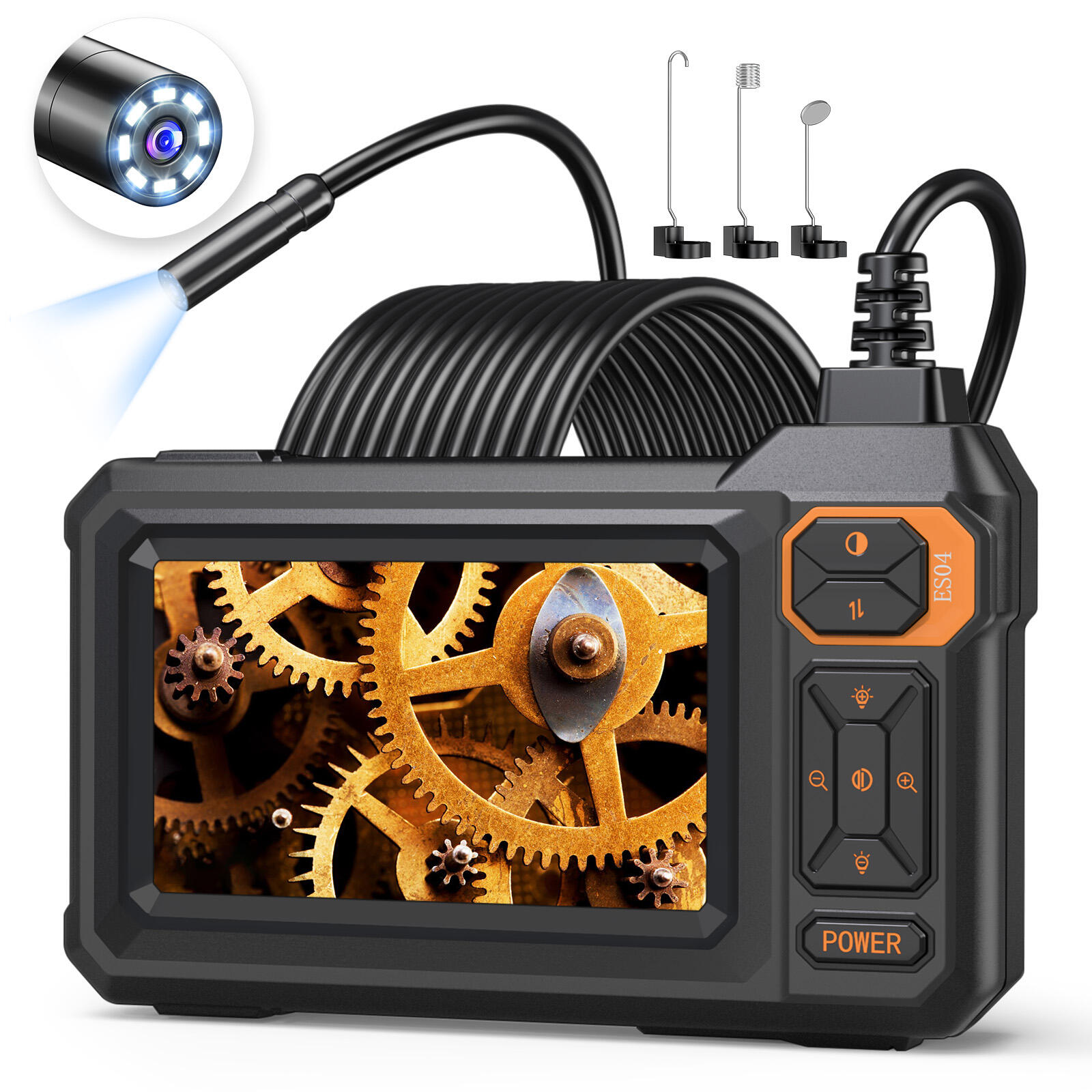
The complexity of modern endoscopic equipment requires systematic care and attention to detail. These devices incorporate advanced imaging sensors, flexible insertion tubes, LED illumination systems, and waterproof housing that must work together seamlessly. Understanding the fundamental maintenance principles helps users maximize their investment while ensuring consistent performance across various inspection applications. Regular maintenance protocols prevent costly repairs and unexpected equipment failures during critical diagnostic procedures.
Essential Components and Their Maintenance Requirements
Camera Head and Lens System Care
The camera head represents the most critical component of any portable endoscope camera system. This precision-engineered element houses the imaging sensor and lens assembly that captures high-definition visual data. Proper cleaning techniques involve using lint-free microfiber cloths with appropriate cleaning solutions specifically designed for optical components. Avoid using harsh chemicals or abrasive materials that could damage the protective lens coating or compromise image clarity.
Temperature fluctuations can affect the camera head's performance, particularly when transitioning between different environmental conditions. Allow the device to acclimate gradually when moving from cold to warm environments or vice versa. This prevents condensation formation inside the camera housing, which could fog the lens or damage internal electronics. Store the camera head in a protective case when not in use to prevent physical damage and dust accumulation.
Flexible Insertion Tube Maintenance
The flexible insertion tube requires careful handling to maintain its structural integrity and flexibility. Regular inspection for kinks, cuts, or wear patterns helps identify potential failure points before they compromise the device's functionality. Clean the insertion tube thoroughly after each use, paying special attention to removing debris, oils, or chemical residues that might have accumulated during inspection procedures. Use appropriate cleaning agents that won't degrade the tube's protective coating or internal fiber optic bundles.
Proper storage techniques prevent permanent deformation of the insertion tube. Avoid tight coiling or sharp bends that exceed the manufacturer's minimum bend radius specifications. Many professional users invest in dedicated storage reels or cases that maintain the tube's natural curvature while protecting it from environmental damage. Regular flexibility tests ensure the tube maintains its intended articulation range and responsiveness to control inputs.
Cleaning Protocols and Best Practices
Daily Cleaning Procedures
Establishing consistent daily cleaning routines prevents contamination buildup and maintains optimal performance standards. Begin each cleaning session by powering down the device completely and disconnecting all cables or accessories. Use compressed air to remove loose debris from connectors, joints, and crevice areas where particles commonly accumulate. This preliminary step prevents grinding abrasive materials into sensitive surfaces during subsequent cleaning phases.
Surface cleaning requires specialized techniques depending on the materials involved. For the main housing and control unit, use slightly dampened microfiber cloths with mild cleaning solutions. Avoid excessive moisture that could penetrate seals or electrical connections. The display screen demands particular attention, as scratches or chemical damage can significantly impact visibility and user experience. Use screen-specific cleaning products and gentle circular motions to remove fingerprints and smudges without creating micro-scratches.
Deep Cleaning and Sterilization Methods
Comprehensive cleaning procedures become necessary when the portable endoscope camera encounters contaminated environments or requires sterilization between users. Medical-grade cleaning protocols apply when the device is used in healthcare settings or food processing facilities. Begin with thorough mechanical cleaning to remove visible contamination, followed by appropriate chemical disinfection using approved sterilizing agents.
Ultrasonic cleaning baths provide effective deep cleaning for removable components that can withstand immersion. However, verify manufacturer specifications before submerging any electronic components or sealed assemblies. Some portable endoscope camera models feature removable insertion tubes that can benefit from ultrasonic cleaning, while others require alternative cleaning methods to maintain their waterproof integrity and electrical functionality.
Storage Solutions and Environmental Considerations
Optimal Storage Conditions
Proper storage environments significantly impact the longevity and reliability of endoscopic equipment. Temperature stability ranks among the most important factors, with ideal storage ranges typically falling between 59-77°F (15-25°C). Extreme temperatures can affect battery performance, LCD display functionality, and the flexibility of insertion tubes. Humidity control prevents condensation formation and reduces the risk of corrosion on metal components or electrical contacts.
Dedicated storage cases provide physical protection while maintaining controlled environmental conditions. High-quality cases feature foam inserts that secure each component in place, preventing movement-related damage during transportation. Some advanced storage solutions incorporate moisture-absorbing materials or climate control systems that actively maintain optimal conditions regardless of external environmental variations.
Transportation and Field Storage
Mobile professionals require robust protection systems that can withstand the rigors of field work and transportation. Impact-resistant cases with weatherproof seals protect against drops, vibration, and moisture exposure. Internal organization systems keep accessories, cables, and cleaning supplies readily accessible while preventing component interaction that could cause damage.
Battery management becomes crucial during extended field deployments. Maintain spare batteries in appropriate storage conditions and implement rotation schedules that prevent deep discharge cycles. Many modern portable endoscope camera systems include battery management features that optimize charging cycles and extend overall battery lifespan through intelligent power management algorithms.
Troubleshooting Common Issues
Image Quality Problems
Image degradation issues often stem from lens contamination, lighting problems, or sensor-related malfunctions. Systematic diagnosis begins with thorough cleaning of all optical surfaces, including the camera lens, insertion tube tip, and any protective windows. If cleaning doesn't resolve the issue, examine the LED lighting system for burned-out elements or damaged connections that could create uneven illumination patterns.
Digital artifacts or display anomalies may indicate sensor problems or processing unit malfunctions. Document specific symptoms and environmental conditions when problems occur, as this information helps technical support personnel diagnose complex issues. Some image quality problems develop gradually over time due to component aging or accumulated damage from harsh operating conditions.
Mechanical and Electrical Failures
Articulation problems with the insertion tube often result from debris accumulation in control mechanisms or damage to internal cable systems. Regular lubrication of moving parts using manufacturer-approved lubricants helps maintain smooth operation. However, excessive lubrication can attract dirt and debris, so follow specified application procedures carefully.
Electrical connectivity issues may manifest as intermittent operation, power failures, or communication problems between components. Inspect all connections for corrosion, damage, or loose contacts. Many connectivity problems result from moisture infiltration or mechanical stress on cable assemblies. Professional repair services become necessary when electrical problems persist despite basic troubleshooting efforts.
Preventive Maintenance Scheduling
Regular Inspection Intervals
Establishing systematic inspection schedules helps identify potential problems before they result in equipment failure or compromised performance. Daily pre-use inspections should include visual examination of all components, functional testing of controls and displays, and verification of accessory completeness. Weekly inspections involve more detailed examination of wear-prone areas and performance verification under various operating conditions.
Monthly maintenance procedures typically include comprehensive cleaning, battery conditioning, and calibration verification. Document all maintenance activities to establish performance trends and identify recurring issues that might indicate the need for component replacement or professional servicing. This documentation proves valuable for warranty claims and helps optimize maintenance schedules based on actual usage patterns.
Professional Service Requirements
Annual professional servicing ensures that complex internal systems receive appropriate attention from qualified technicians. Professional service centers have specialized equipment for testing optical performance, electrical functionality, and mechanical precision that exceeds the capabilities of typical field maintenance procedures. They can also perform firmware updates and software modifications that enhance device performance or add new features.
Calibration verification requires precise measurement equipment and reference standards that ensure accurate color reproduction and dimensional measurements. Professional technicians can also assess component wear and recommend replacement schedules that prevent unexpected failures during critical applications. Maintaining service records helps establish device reliability patterns and supports warranty coverage for covered repairs.
FAQ
How often should I clean my portable endoscope camera
Clean your portable endoscope camera after every use to prevent contamination buildup and maintain optimal performance. Daily cleaning should include wiping down external surfaces, cleaning the camera lens, and removing debris from the insertion tube. For intensive use environments, consider mid-day cleaning sessions to prevent excessive accumulation of contaminants that could affect image quality or device functionality.
What cleaning products are safe to use on endoscope cameras
Use only manufacturer-approved cleaning solutions or mild, non-abrasive cleaners specifically designed for optical and electronic equipment. Avoid alcohol-based cleaners on LCD screens, harsh chemicals that could damage protective coatings, and abrasive materials that might scratch lens surfaces. Always consult your device manual for specific cleaning product recommendations and prohibited substances.
How can I extend the battery life of my endoscope camera
Maximize battery life by implementing proper charging cycles, avoiding deep discharge situations, and storing batteries in optimal temperature conditions. Turn off unnecessary features like high-brightness displays or continuous recording when not needed. Maintain spare batteries in rotation and consider external power sources for extended inspection sessions to reduce battery cycling frequency.
When should I seek professional repair services
Contact professional repair services when you encounter persistent image quality issues, electrical malfunctions, mechanical problems with articulation systems, or any damage to the insertion tube. Additionally, seek professional help for annual calibration verification, firmware updates, and when warranty coverage requires authorized service providers. Attempting complex repairs without proper training may void warranties or cause additional damage.